- GLOBAL > HMI > V8/TS2060 series > Error > "Error : XX (XX : XXX)"
"Error : XX (XX : XXX)"
"Error : XX (XX : XXX)"
- Category :
-
- GLOBAL > HMI > V8/TS2060 series > Error
Answer
This error is displayed on the V/TS series when an error is detected in the transferred screen data.
<Solutions>
Read the error code as shown below. For more information, refer to the error code list.
Error XX XX : XXX
(1) (2) (3)
(1)Error number.
(2)Item number: Indicates the edited screen or other place where the error is detected.
(3)Sub item number: Indicates the screen number where the error is detected.
In addition, error check can be used on the configuration software V-SFT to locate the cause of the error and solve the error.
How to check: V-SFT-6
- Click [Tool] [Error Check] on the V-SFT-6 editor.

 |
Double-click the error line to jump to where the error is occurring. |
How to check: V-SFT-5
- Click [Tool] [Error Check] on the V-SFT-5 editor.
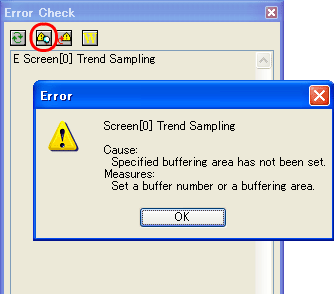
- Move the cursor to the error on the [Error Check] window.
- Click the [Error Details] icon.
 |
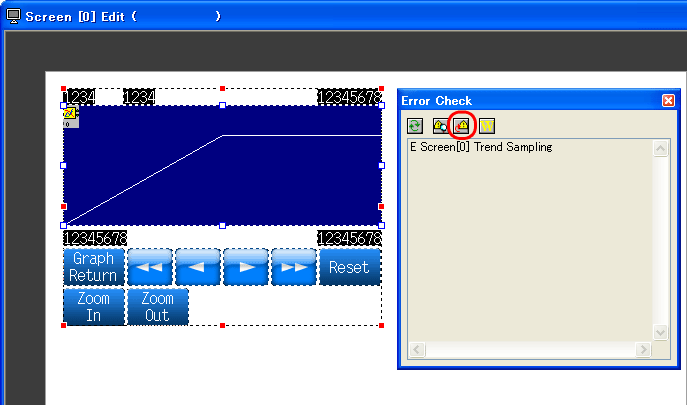
Move the cursor to the error on the [Error Check] window. Click the [Jump to Error Item] icon to jump to where the error is occurring. |