- GLOBAL > HMI > V10/V9 series > Operation Troubles > Overlap editing is disabled.
Overlap editing is disabled.
Overlap editing is disabled.
- Category :
Answer
Two methods are available for editing.
[Method 1: Select the overlap part]
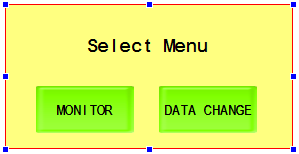
- Select the overlap part. The overlap part is enclosed with handles.
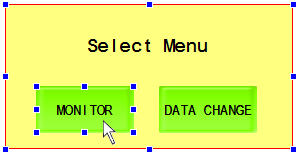
- Select items on the overlap part and perform editing as desired.
[Method 2: Switch to the overlap edit window]
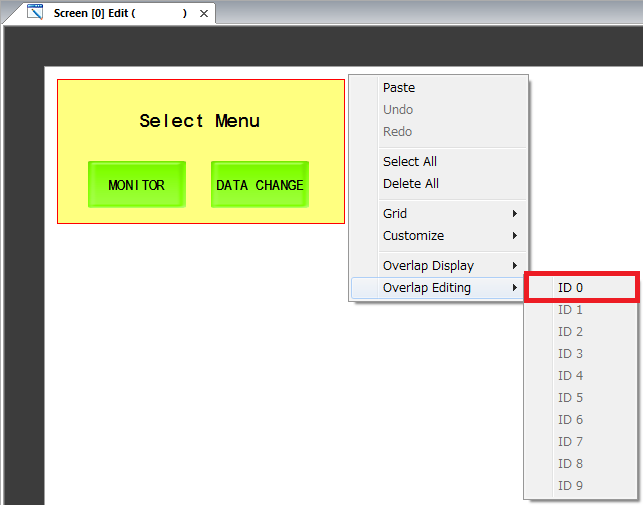
- Right-click the mouse to display the menu. (Right-click without selecting any item)
- Select [Overlap Editing] and click the overlap number for editing.
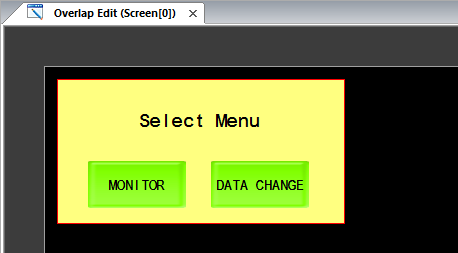
The [Screen Edit] window changes to the [Overlap Edit] window.
- Select items on the overlap part and perform editing as desired.